
Why a Reminder System Matters
Missing doses is one of the most common — and preventable — medication problems older adults face. Whether you take two pills or twelve, the challenge of remembering what to take, when to take it, and whether you already took it is real. A dependable reminder system removes that guesswork from your day.
If you are new to managing several prescriptions at once, the introduction to medication management is a good starting point before choosing a system. Once you understand your regimen, the right tool can make staying consistent much easier. See also building a daily medication routine that actually sticks for guidance on anchoring doses to habits.
50%
Patients who don't take medications as prescribed
The World Health Organization has estimated that approximately half of patients with chronic conditions do not take medications as directed, contributing to avoidable health complications.
4 in 10
Older adults managing five or more medications
Research published in health policy literature consistently finds that a large proportion of adults over 65 manage five or more prescription medications simultaneously.
Pill Organizers: Simple and Reliable
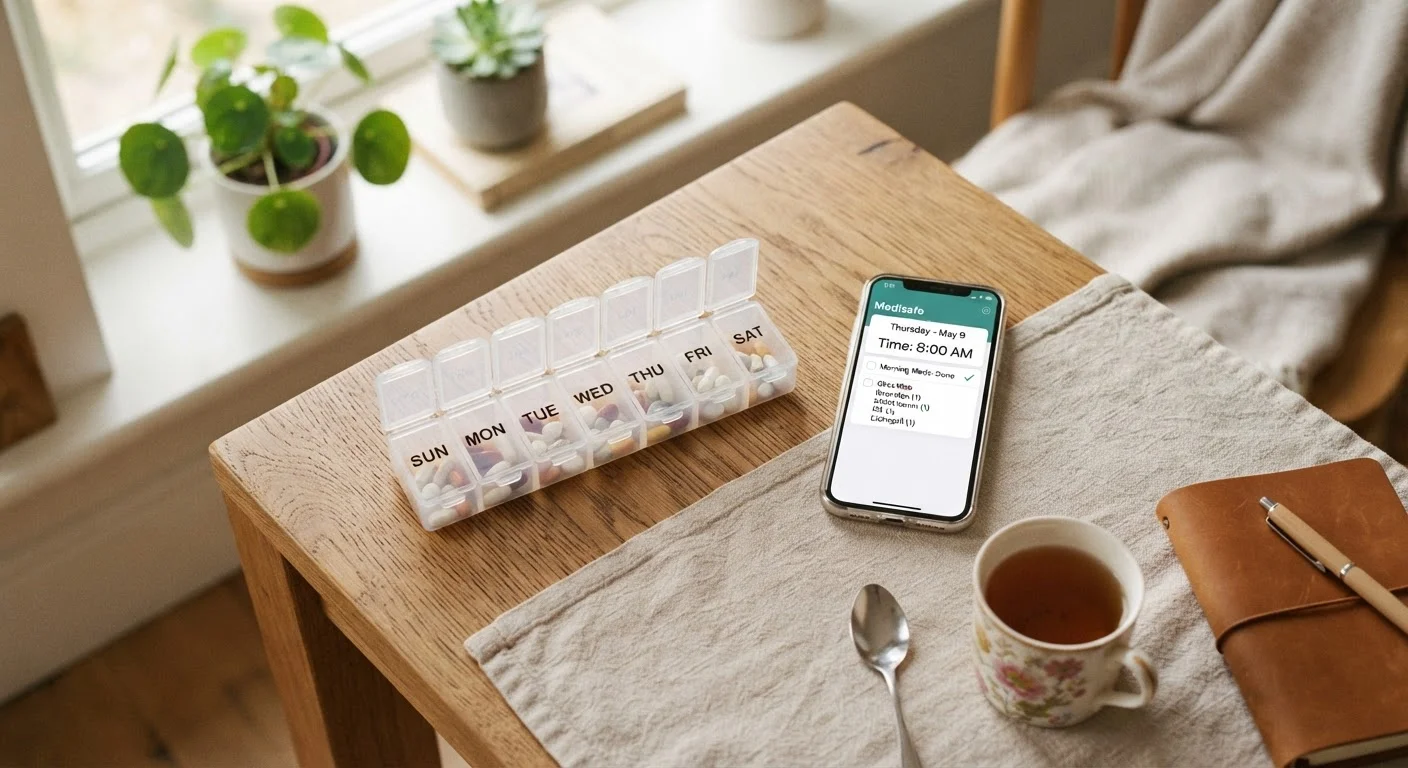
A weekly pill organizer — the classic plastic box divided into compartments by day and time of day — remains one of the most effective tools available. Its greatest strength is visual confirmation: if the compartment is empty, you took the dose. If it is full, you have not.
Pill organizers come in several formats: basic seven-day boxes, larger models with AM/PM or four-times-daily slots, and locking versions for households with children. They require no batteries, no Wi-Fi, and no learning curve.
The main limitation is that they are passive — a pill box will not alert you that it is time to take a dose. They also need to be refilled weekly, which itself becomes a task to remember. For anyone managing a complex or frequently changing regimen, a pill organizer works best alongside another reminder method.
Refill Your Pill Box on the Same Day Each Week
Choosing a consistent day and time to refill your organizer — such as Sunday evening — turns it into a predictable habit rather than a chore you have to remember. While you refill, do a quick check that you have enough supply of each medication. If any are running low, contact your pharmacy before you run out. This is also a good moment to review your auto-refill options with your pharmacist.
Phone Alarms and Medication Apps
A simple phone alarm — set to repeat daily at dose times — costs nothing and requires only basic familiarity with your device. It provides an audible or vibrating cue without any additional app download. The downside is that alarms do not track whether you actually took the medication, only that the time arrived.
Dedicated medication reminder apps go a step further. Many allow you to log each medication, set multiple daily alerts, track your history, and even coordinate refill timing. Some apps allow a family member or caregiver to view your adherence log remotely — a useful feature for those who want a support layer.
When evaluating apps, look for ones with large text options, straightforward navigation, and a clear way to mark a dose as taken or skipped. Avoid apps that require creating accounts linked to purchasing services. Your pharmacist may be able to recommend apps commonly used by patients in your area.
For a broader view of keeping multiple prescriptions organized, see managing multiple medications.
Automatic Pill Dispensers: A Step Up in Support
Automatic pill dispensers are pre-loaded devices that sound an alarm and dispense only the correct dose at the correct time. They are particularly useful for people managing many medications, those with memory concerns, or individuals living alone without daily in-person support.
These devices range from simple timed dispensers to models that lock remaining doses, send alerts to caregivers, and log dispensing history. The trade-off is cost — they are significantly more expensive than a basic pill box — and they require weekly loading, usually by a caregiver or the person themselves.
| Pill Organizer | Phone Alarm | Reminder App | Auto Dispenser | |
|---|---|---|---|---|
| Cost | Very low | Free | Free to low | Moderate to high |
| Tech required | None | Basic phone use | Smartphone comfort | Basic setup needed |
| Active alerts | No | Yes | Yes | Yes |
| Dose confirmation | Visual only | None | Manual log | Automatic log |
| Caregiver visibility | No | No | Some apps | Many models |
| Best for | Simple regimens | Any regimen | Multiple daily doses | Complex regimens |
Regardless of the system you choose, keeping a written medication record at home adds an important safety layer. Learn what to include in a home medication list.
Choosing What Works for You
The best reminder system is the one you will use consistently. Consider these practical questions when deciding:
- How many doses per day do you take? More doses generally benefit from active alerts, not just a pill box.
- How comfortable are you with technology? If smartphones feel unfamiliar, a simple alarm clock or a caregiver check-in may serve better than an app.
- Do you live alone? Dispenser models with caregiver notifications add a useful safety net.
- Does your regimen change often? Frequently adjusted prescriptions may require a more flexible system that is easy to update.
Many people find that combining methods — for example, a weekly pill box plus a phone alarm — catches more missed doses than either method alone. You can also pair any reminder system with a practical checklist for tracking multiple prescriptions to stay on top of refills and timing.
This article is for general informational purposes only and is not a substitute for personalized medical advice. Always consult your pharmacist, physician, or another qualified healthcare professional before making changes to how you manage your medications.